
Custom Golf Simulator Room Design in Las Vegas
On this page 8 sections
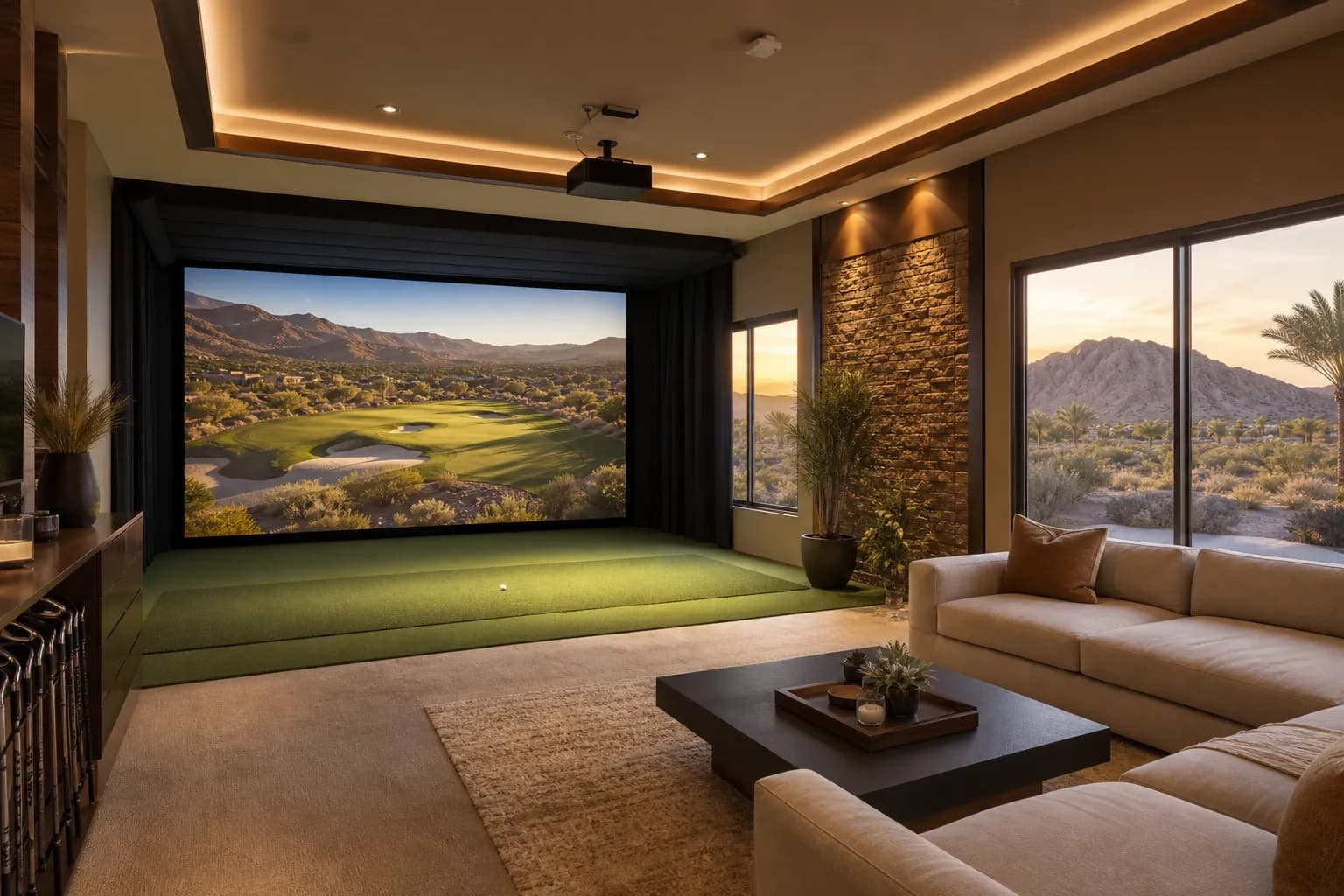
Quick Summary: Custom golf simulator room design in Las Vegas turns an unused bonus room, garage bay, or casita into a year-round golf, sports, and entertainment space. This guide covers space planning, simulator technology, turf and impact-safe flooring, lighting and acoustics, climate control for our desert climate, and the design-build steps DHCC Builder uses to deliver a polished result.
- Why Custom Golf Simulator Room Design in Las Vegas Makes Sense
- Planning the Space: Size, Ceiling Height, and Layout
- Simulator Technology and Screen Systems
- Flooring, Turf, and Impact-Safe Materials
- Lighting, Acoustics, and Climate Control
- Lounge, Bar, and Entertaining Features
- The DHCC Design-Build Process
- Frequently Asked Questions
Why Custom Golf Simulator Room Design in Las Vegas Makes Sense
Custom golf simulator room design in Las Vegas lets homeowners practice, play full rounds on famous courses, and host friends without ever leaving the house, which matters most during the months when outdoor temperatures make an afternoon on the course less appealing. Beyond golf, a well-planned simulator bay doubles as a multi-sport lounge for baseball, soccer, and football games, and it gives a custom home a genuinely unique amenity that stands out in a market full of standard media rooms and home gyms.
Unlike a retrofitted garage setup, a purpose-built room is designed around ceiling height, screen distance, sightlines, and finishes from the start, so the space feels like an intentional part of the home rather than an afterthought bolted onto leftover square footage.
Las Vegas’s golf culture also makes this amenity particularly practical. With dozens of championship courses within a short drive and a competitive private-club scene, many of our clients use a simulator room to warm up before a round, dial in swing changes with a coach, or keep their game sharp during the summer months when tee times are less appealing in triple-digit heat. A well-built simulator room pays for itself in convenience alone, and it tends to be one of the most frequently used rooms in the house once it is finished, because it works for solo practice sessions, lessons, and large group gatherings equally well.
From a resale and lifestyle standpoint, a thoughtfully integrated simulator room also reads very differently than a garage with a net stapled to the wall. Buyers and guests notice finished millwork, coordinated lighting, and a room that was clearly planned as part of the home’s design language, which is exactly the outcome a design-build approach is meant to deliver.
Planning the Space: Size, Ceiling Height, and Layout
Comfortable simulator play generally calls for a room at least 16 feet long, 12 feet wide, and 10 feet of usable ceiling height, with additional clearance for taller players and full swings with longer clubs. Many Las Vegas homeowners convert an oversized three-car garage bay, a casita, or a bonus room above a garage into this footprint, since those spaces often already have the volume a standard interior room lacks.
Layout decisions early in design determine whether the room works long-term:
- Hitting-zone placement relative to the screen and side netting, with enough buffer for a full backswing
- Walkway and seating zones kept clear of the swing path
- Door swing and sightlines from an adjoining lounge or bar area
- Future flexibility for a second hitting bay or expanded lounge seating
Our design team maps these dimensions against structural elements like beams, ductwork, and existing roof framing before finalizing the plan, so no conflict surfaces mid-construction.
Room orientation also affects how the space feels day to day. We typically position the hitting bay away from exterior windows to control natural light and glare on the screen, and we plan the lounge seating to face both the screen and a secondary conversation area, so the room works whether one person is practicing or a dozen guests are watching a game. For homes built on a single level, we often look at whether an existing three-car garage can be reduced to a two-car footprint with the recovered bay converted into conditioned living space; for two-story homes, a bonus room over the garage is frequently the best candidate because it already has the ceiling height and is naturally separated from main living areas, which helps with sound.
We also plan for the realistic full range of motion a golfer needs, not just a standing swing. That means accounting for driver-length clubs, a full backswing with clearance behind the player, and enough width that two people can stand comfortably in the room at once, one hitting and one watching or managing the simulator software, without feeling cramped.
Simulator Technology and Screen Systems
The simulator package itself is the centerpiece, and the room has to be built to support it rather than the other way around. Core technology decisions include:
- Launch monitor and tracking: camera-based or radar-based systems, chosen based on ball-flight accuracy needs and available hitting-zone length
- Impact screen and enclosure: tensioned screens paired with side and ceiling netting sized to the room’s exact dimensions
- Projector and mounting: short-throw projection mounted to avoid shadow lines from the player’s swing
- Software and course libraries: golf simulation software plus, in many builds, additional sports packages for year-round use
Because this equipment is sensitive to vibration, humidity, and dust, our electrical and low-voltage rough-in plans for dedicated circuits, in-wall cable pathways, and a clean mounting surface for the screen frame before drywall goes up.
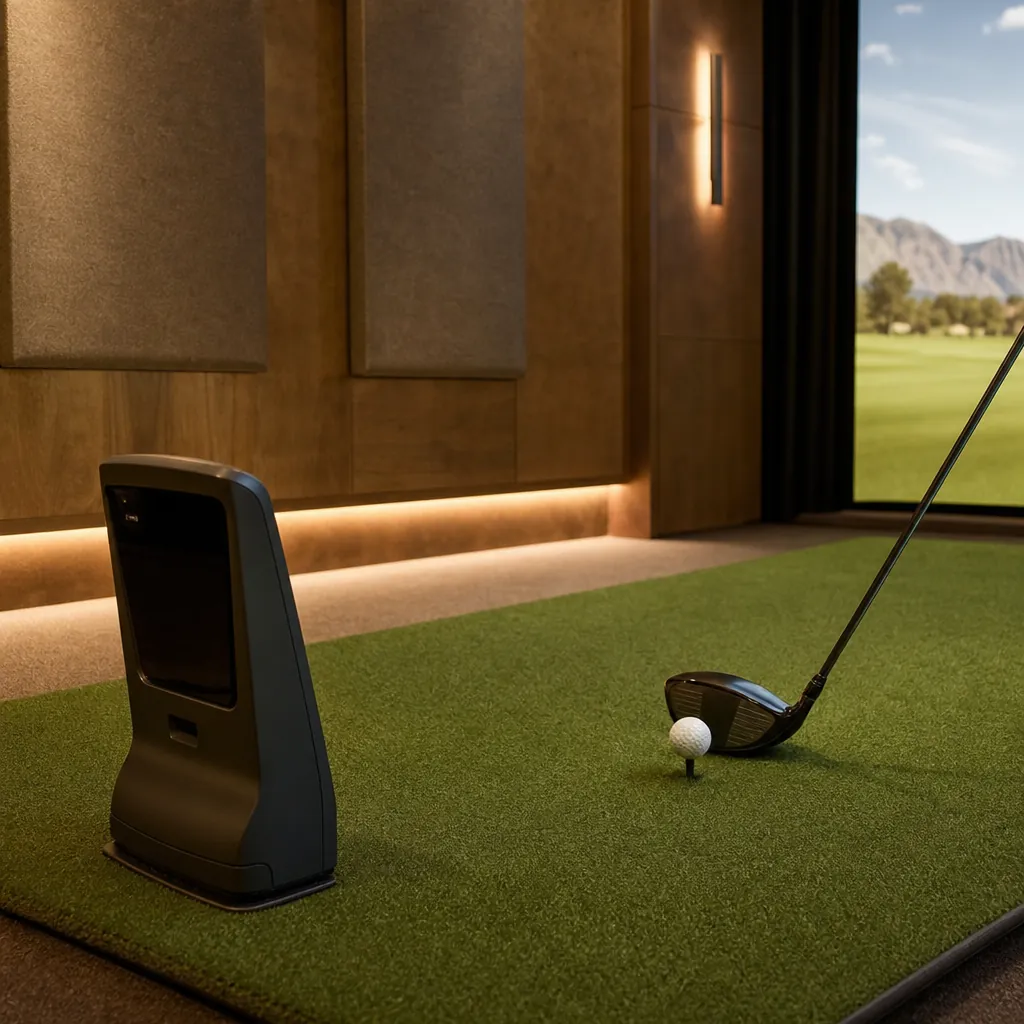
We coordinate directly with the homeowner’s chosen simulator vendor, or recommend trusted partners when needed, so the construction team builds the room to the exact specifications the equipment requires. That coordination covers hitting-zone depth and width tolerances, mounting-point locations for cameras or sensors, projector throw distance and mounting height, and power requirements for the launch monitor, projector, and any connected audio-visual gear. Getting these measurements right before framing and drywall go up avoids costly rework later, since moving a mounting point or widening a hitting zone after finishes are installed is far more disruptive than planning for it up front.
Audio-visual integration is another piece worth planning early. Many of our builds include a dedicated AV rack, either in a closet or a nearby utility space, to keep the simulator computer, receiver, and networking equipment organized and out of sight, with a clean in-wall pathway running to the screen and speakers. Surround sound tuned for the room’s dimensions makes course ambiance and crowd noise feel immersive rather than tinny, and a dedicated network drop keeps the simulator software running smoothly without relying on household Wi-Fi.
Flooring, Turf, and Impact-Safe Materials
Flooring in a golf simulator room has to balance realistic feel, club-impact durability, and long-term maintenance. Common approaches we use on Las Vegas builds include:
- Synthetic turf hitting strips sized to the swing zone, set over a shock-absorbing underlayment
- Durable, easy-to-clean flooring in the lounge and walkway zones, chosen to match the home’s broader material palette
- Protective wall padding or acoustic panels along likely mis-hit zones, finished to look intentional rather than utilitarian
Getting the transition between hitting-zone turf and adjoining flooring right, both visually and structurally, is one of the details that separates a professionally built room from a do-it-yourself conversion.
Subfloor preparation matters just as much as the visible finish. On a slab-on-grade garage conversion, we evaluate moisture barriers and leveling before any turf or underlayment goes down, since an uneven or damp subfloor will eventually show through the finished flooring and can damage the turf’s backing over time. On a wood-framed bonus room, we confirm the structure can comfortably support the added weight of turf, underlayment, and any stone or tile accents in the lounge area.
Wall protection deserves the same attention as flooring. Even with a properly sized hitting zone, mis-hits happen, especially with guests who are newer to golf. We typically extend impact-rated padding or acoustic panels higher and wider than the strict minimum around the hitting zone, and we finish those panels in materials and colors that coordinate with the rest of the room so the protective elements read as intentional design rather than a safety afterthought.
Lighting, Acoustics, and Climate Control
Lighting has to avoid glare on the screen while still giving the room a finished, inviting feel. We typically layer dimmable recessed lighting around the perimeter with the hitting zone kept dark enough for clean projection, plus accent lighting in the lounge area for ambiance when the simulator is off.
Acoustic treatment matters more in a simulator room than most homeowners expect: club impact, ball strikes, and simulator audio all benefit from sound-dampening wall panels and a solid-core door, especially when the room sits near bedrooms or a home office.
For climate control in our desert environment, a dedicated mini-split or properly sized supply run keeps the room comfortable during summer afternoons without taxing the home’s primary HVAC system, which matters since the space is often used for extended sessions.
Garage and casita conversions in particular need a close look at insulation before climate control decisions are finalized. Many garages were never insulated to interior living standards, so we typically add insulation to walls, the ceiling or roof deck, and around the garage door opening if the door itself is being removed or sealed over. This step keeps summer heat gain manageable and prevents the dedicated mini-split from running constantly just to offset an under-insulated shell. For rooms that back up to the exterior on multiple sides, we also pay close attention to window and door sealing, since even small gaps can let in enough heat and dust to affect both comfort and equipment longevity.
Lounge, Bar, and Entertaining Features
Most of our Las Vegas clients want the simulator room to function as a genuine entertaining space, not just a practice bay. Popular additions include a wet bar or beverage center along the back wall, comfortable lounge seating positioned for both screen viewing and conversation, a secondary television for scoring or replay review, and display shelving for clubs, memorabilia, or trophies. These features extend the room’s use well beyond golf practice and make it a natural gathering spot for game nights and watch parties.
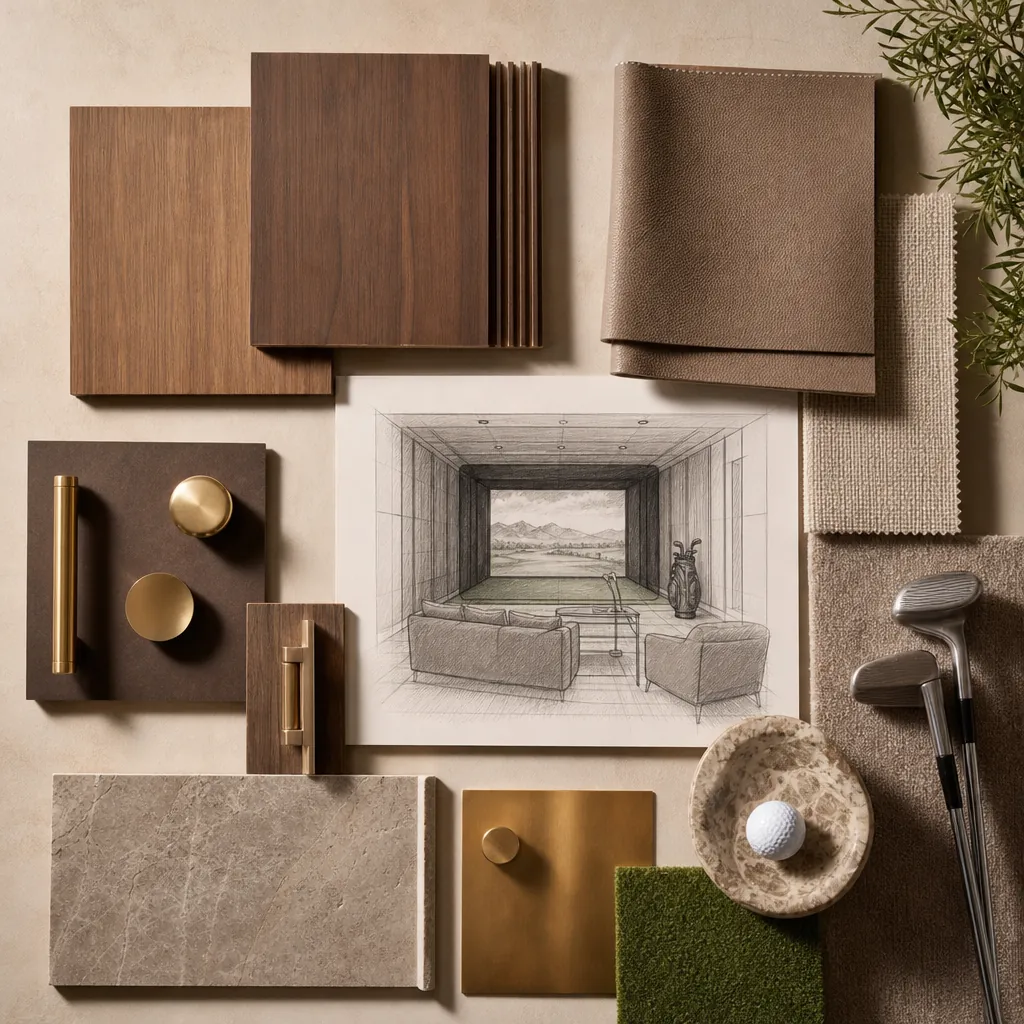
Material and finish choices in the lounge zone tend to lean warm and clubby: wood-paneled or textured accent walls, leather or performance-fabric seating that holds up to regular use, and stone or butcher-block countertops at the bar. Dimmable, zoned lighting lets the same room shift from a bright, practice-friendly setting during the day to a moodier entertaining space in the evening. Durable, low-maintenance surfaces matter here too, since a simulator room often sees food, drinks, and high foot traffic during game-day gatherings.
Storage is worth planning deliberately rather than leaving it as an afterthought. Built-in cabinetry for clubs, shoes, balls, and accessories keeps the room looking finished instead of cluttered, and a dedicated charging or display shelf for electronics, trophies, or memorabilia gives the space a personal touch that makes it feel like a true extension of the home rather than a generic rec room.
The DHCC Design-Build Process
Every custom golf simulator room starts with an on-site assessment of the proposed space, including ceiling height, structural elements, and existing electrical capacity. From there, our team produces a layout plan that confirms swing clearance, screen placement, and lounge flow before any construction begins. Our preconstruction design process is where simulator vendors, electrical plans, and finish selections all get coordinated so the build runs smoothly from permitting through final walkthrough. You can review examples of our completed interior and specialty-room work in our portfolio, and see the full range of remodeling and custom-build work we offer on our services page.
If you already have a home theater, home gym, or garage build in mind alongside a simulator room, our teams coordinate those projects together so finishes, electrical, and HVAC planning stay consistent across the home.
Timelines vary based on scope: a straightforward garage-bay conversion with existing electrical capacity typically moves faster than a bonus-room build that requires new structural, HVAC, and framing work. During the initial walkthrough, our team will give you a realistic project timeline alongside the layout and budget discussion, so there are no surprises once construction begins. Ready to talk through your space? Contact our team to schedule a walkthrough.
Frequently Asked Questions
Related guides
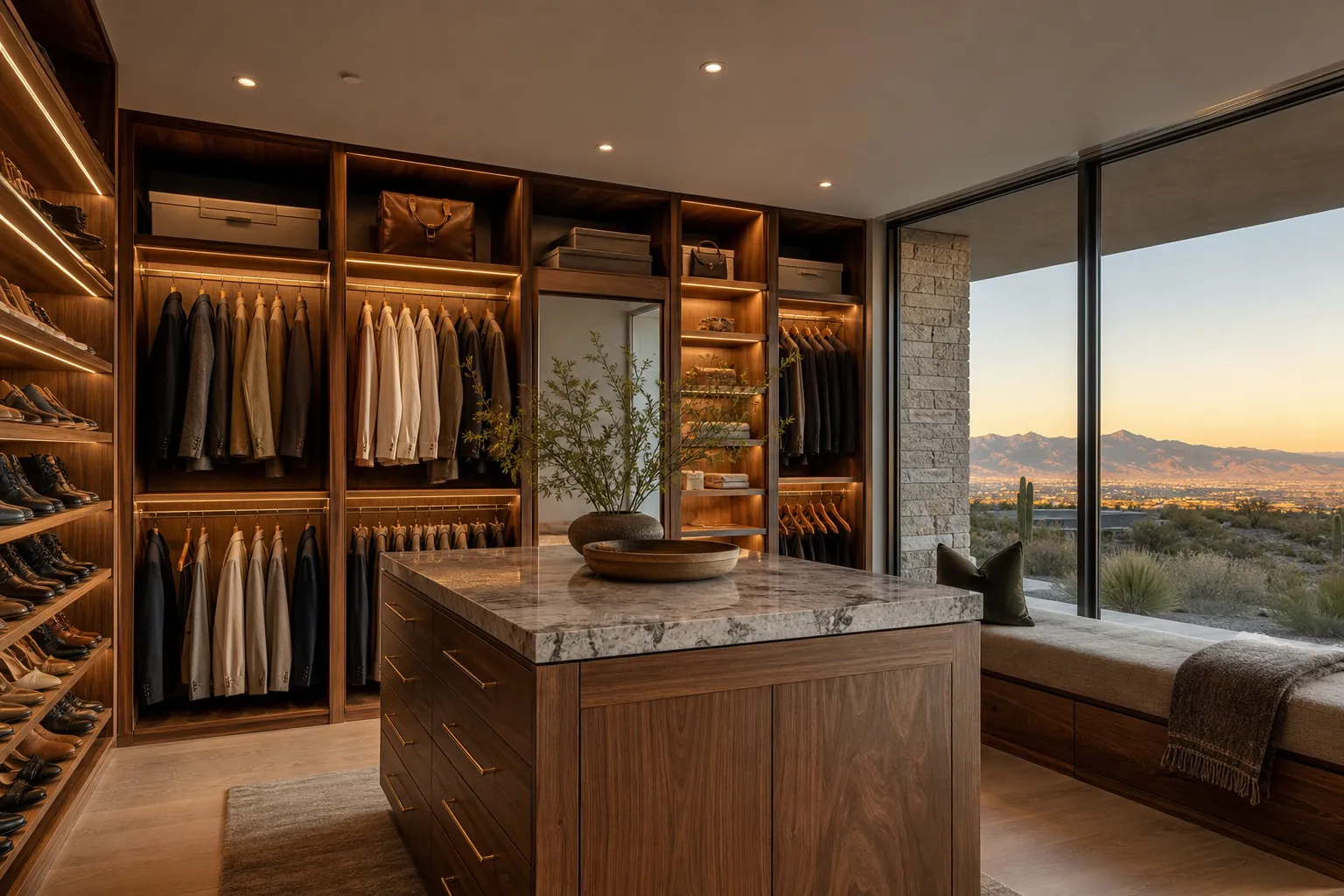
Custom Walk-In Closet Design in Las Vegas
A custom walk-in closet design in Las Vegas works best when it is planned as a real room, not an afterthought squeezed into leftover space. Layout, lighting, materials, and storage zones should match how a homeowner actually dresses and gets ready each day, with desert-specific details like climate control and UV-aware finishes built…
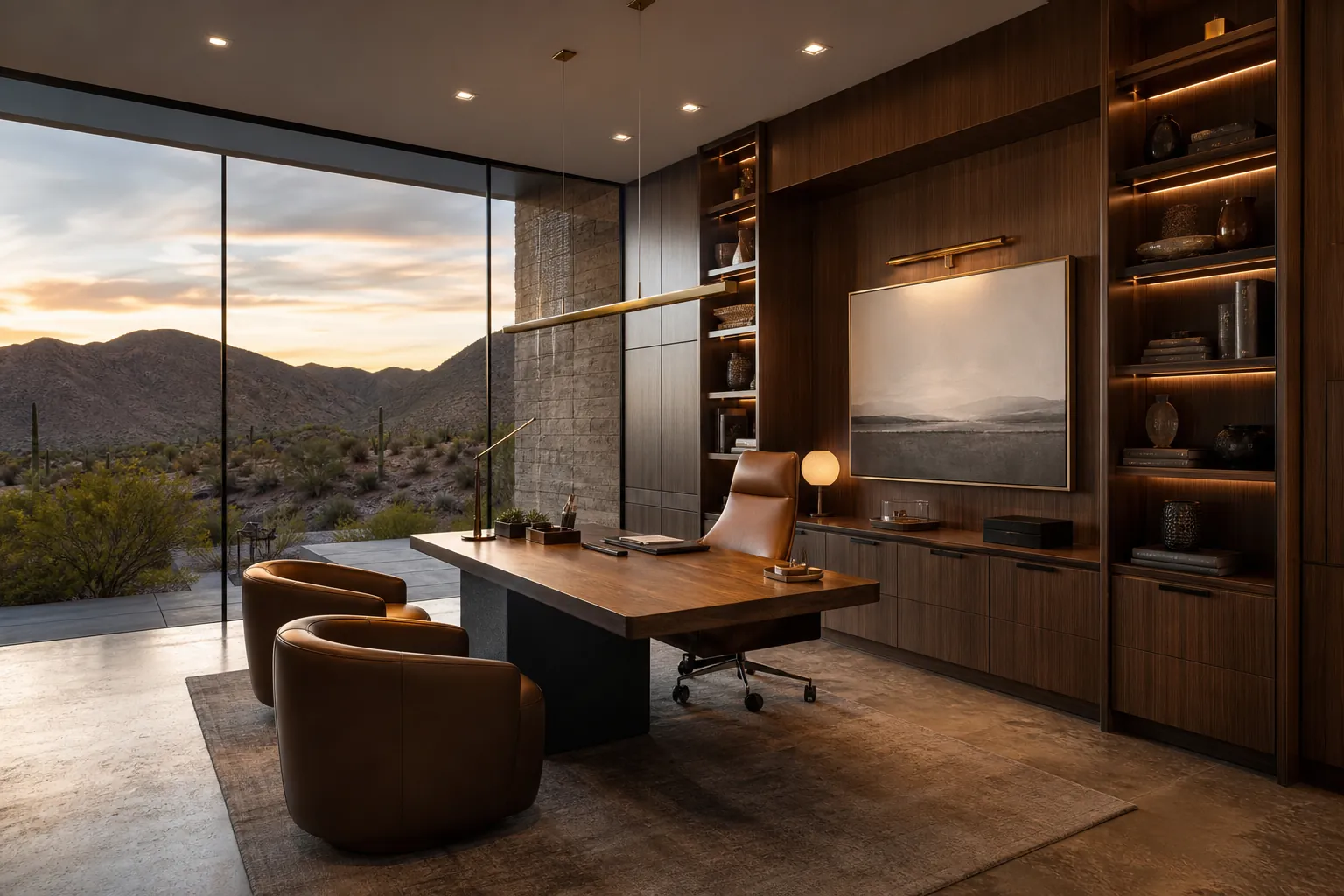
Custom Home Office Design in Las Vegas
A custom home office design in Las Vegas turns a spare bedroom, a bonus room, or a quiet corner of a new addition into a workspace built around how a homeowner actually works, not a laptop balanced on a kitchen island. Getting the location, built-ins, lighting, and acoustics right from the start is…
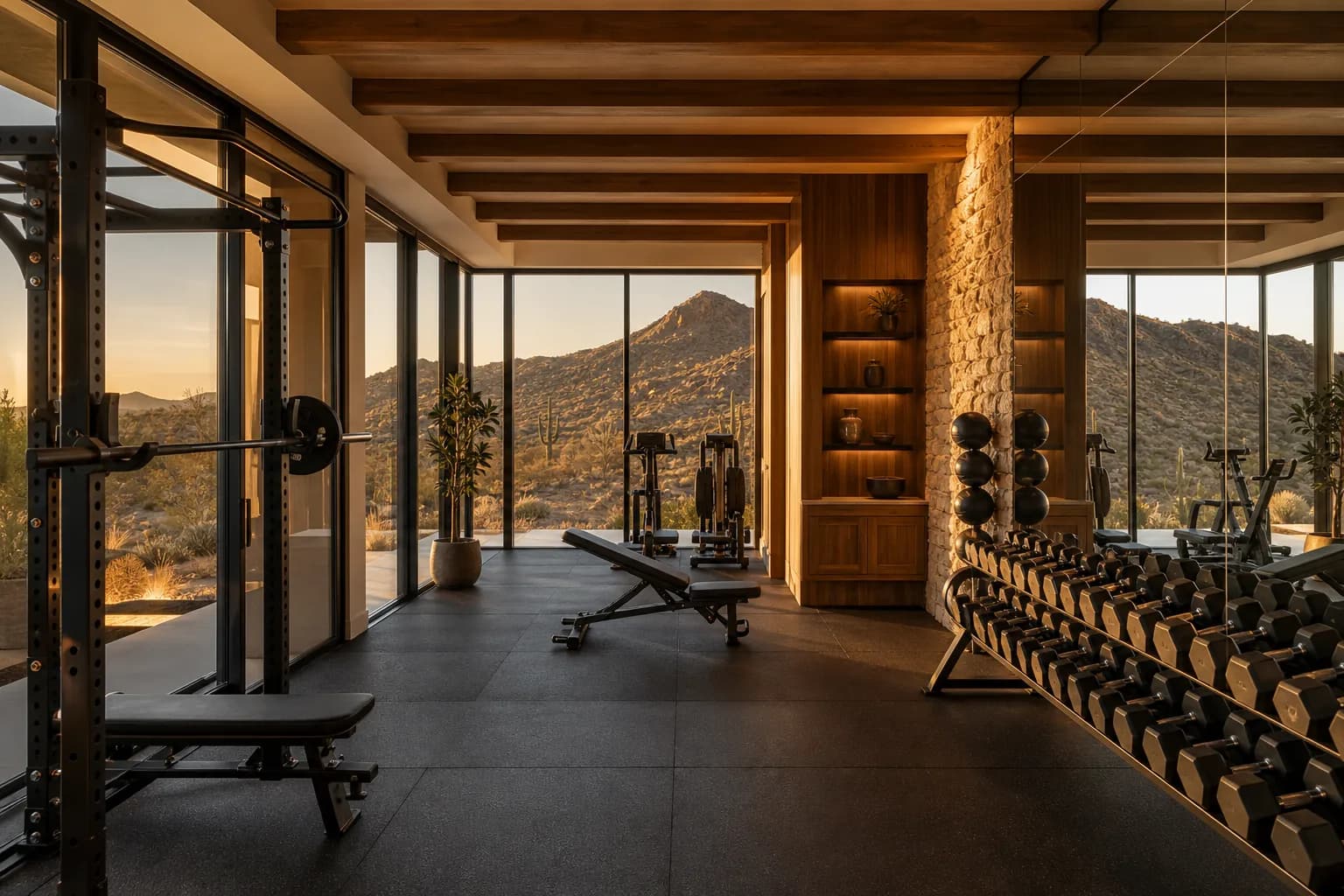
Custom Home Gym Design in Las Vegas
A custom home gym design in Las Vegas turns an unused garage bay, bonus room, or dedicated addition into a private training space built around how a homeowner actually trains, rather than a treadmill pushed into a corner. Getting the location, flooring, ventilation, and equipment zones right from the start is what makes…