
Custom Home Office Design in Las Vegas
On this page 8 sections
Why a Custom Home Office Design in Las Vegas Pays Off
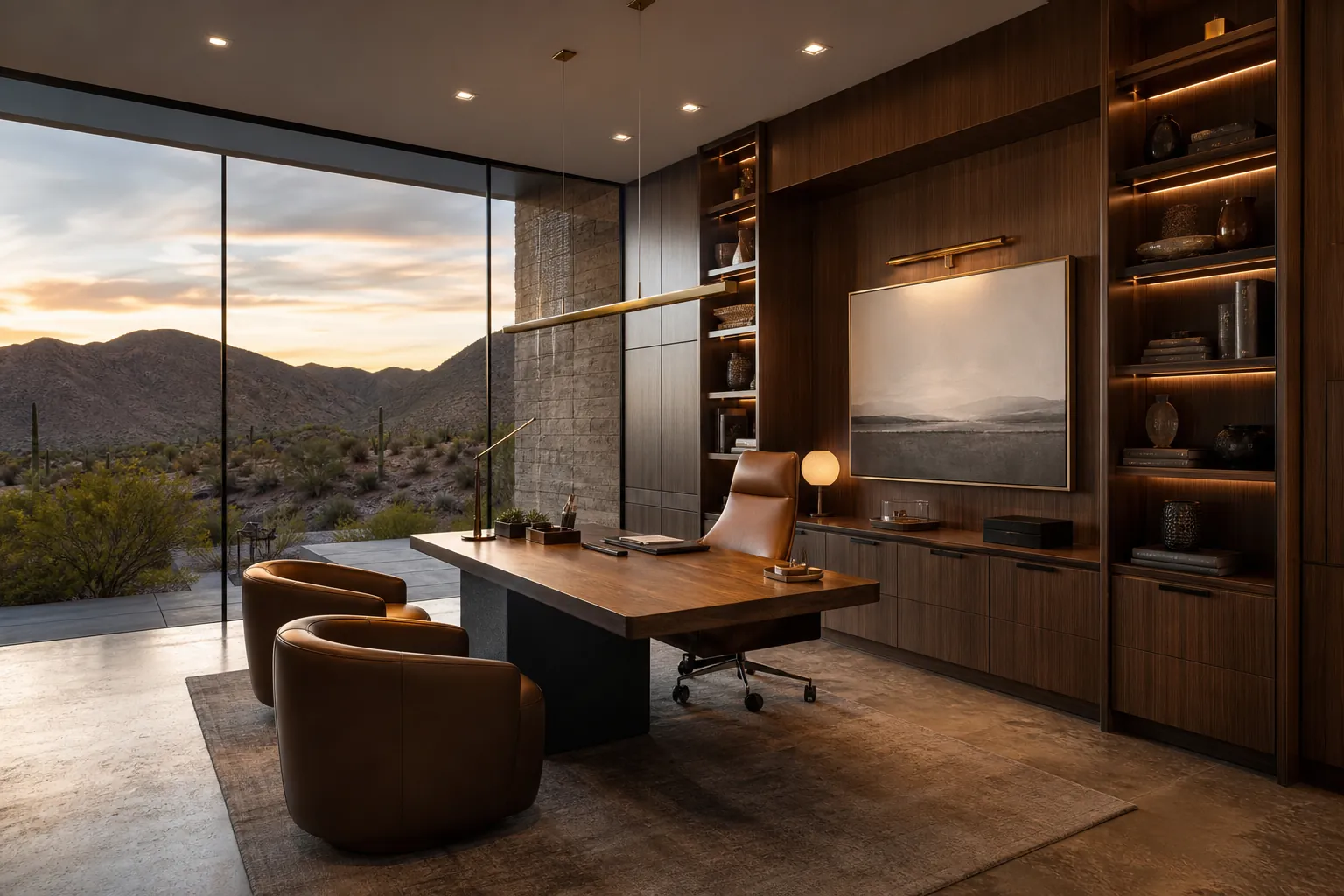
More Las Vegas homeowners are working from home several days a week, and a folding table in the corner of a bedroom rarely holds up to daily video calls, focused deadlines, and the occasional evening catch-up session. A well-planned custom home office design in Las Vegas gives a household a workspace built around real habits, from early-morning calls with East Coast clients to quiet afternoon deep-work blocks, without competing with guest rooms or dining tables for space.
The appeal isn’t just tidiness. A dedicated office removes the friction that quietly undermines most improvised work-from-home setups: no packing up a laptop before dinner, no hunting for a charger, no video call with a treadmill in the background. It also means the space can be designed around how a particular household actually works, whether that’s a single executive desk and a wall of built-ins, a two-person office for a couple who both work remotely, or a hybrid library and office that doubles as a quiet reading room.
A custom office also has to work as part of the home, not apart from it. Reviewing DHCC Builder’s custom home and renovation services early helps homeowners understand how an office fits into the broader floor plan, whether that means repurposing existing square footage or planning it as part of a larger addition.
Choosing the Right Location and Layout
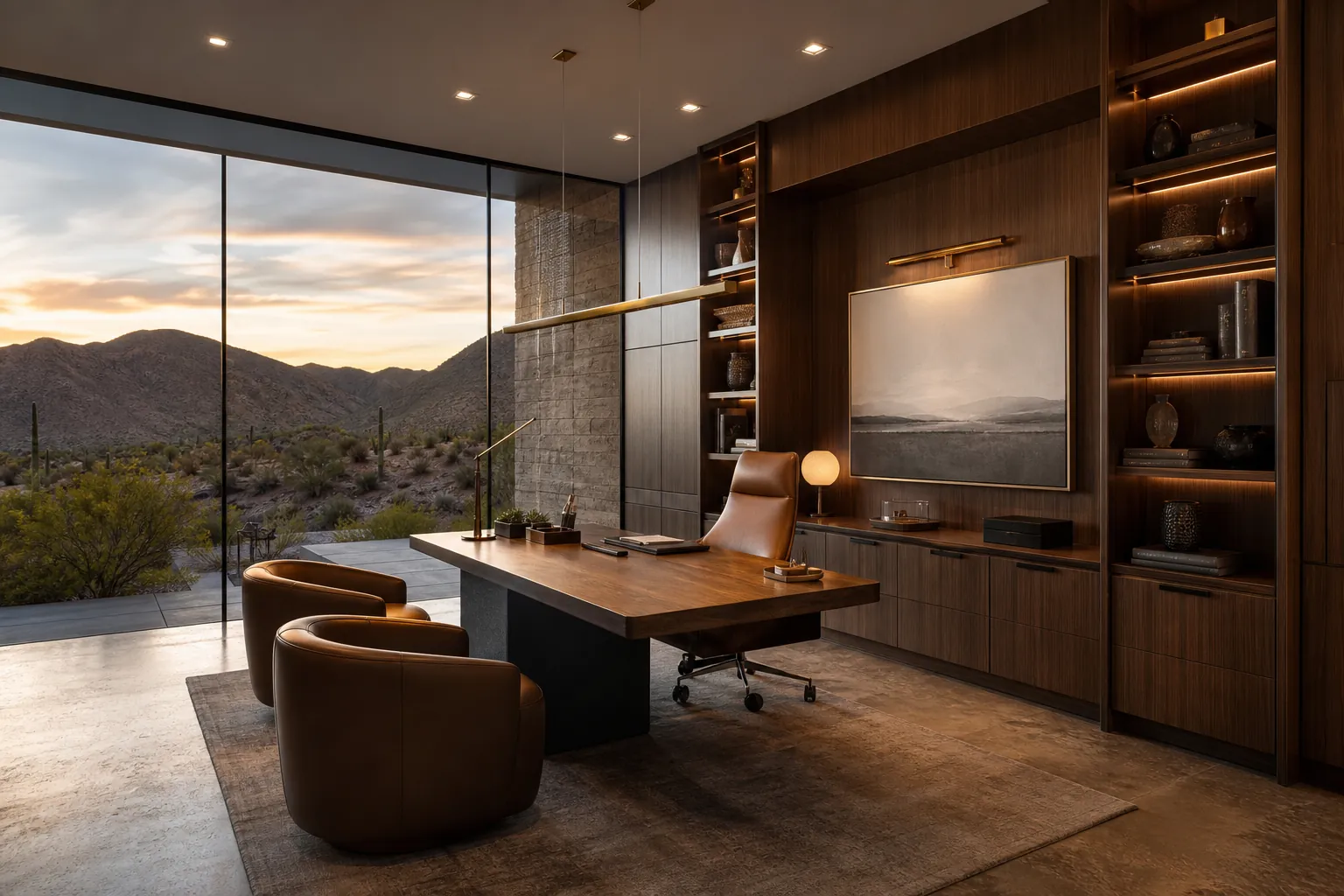
The best location for a home office depends on the house as much as the homeowner. A converted spare bedroom is one of the most common starting points in Las Vegas, since it already offers a door that closes, existing electrical, and a manageable footprint. A bonus room, an underused formal living or dining area, or a dedicated addition are the other common paths, each with different structural and utility implications.
Proximity and separation both matter. An office near the primary suite makes early-morning or late-night work sessions easier without walking through the whole house, while some distance from bedrooms and living areas helps contain the noise of calls and keeps the rest of the household from tiptoeing around a meeting. A view toward the backyard or the mountains, even through a single well-placed window, makes a measurable difference in how long someone is willing to sit at a desk.
Door placement and sightlines deserve early attention. A door that opens directly into the video-call frame, a hallway visible behind a desk, or a window that backlights a screen all read as afterthoughts on camera. Planning the desk position, camera angle, and door swing together at the design stage avoids surprises once the space is finished and in daily use.
Lighting, Glazing, and Managing Desert Glare
Natural light is one of the biggest quality-of-life upgrades in a home office, but Las Vegas sun makes it a double-edged asset. A west-facing window that looks perfect in the morning can turn a desk into a greenhouse by mid-afternoon, and direct glare across a monitor is enough to send most people looking for the blinds and never opening them again. Low-E or UV-treated glazing, paired with layered window treatments, keeps daylight usable instead of overwhelming.
Layered lighting design matters just as much once the sun goes down. A single centered ceiling fixture leaves most desks either too dim or harshly lit on camera. A mix of recessed ambient lighting, a focused task light at the desk, and warm accent lighting inside built-in shelving creates a space that looks professional on a video call and feels comfortable during a long afternoon of focused work.
Orientation is worth deciding early rather than working around later. A desk that faces a window keeps natural light on a face rather than behind it, which matters for both video calls and simply not squinting at a glowing screen all day. Coordinating window placement, blinds, and lighting circuits during design avoids the retrofit compromises that come with fixing glare after a room is finished.
Built-Ins, Storage, and a Wall That Works for Video Calls
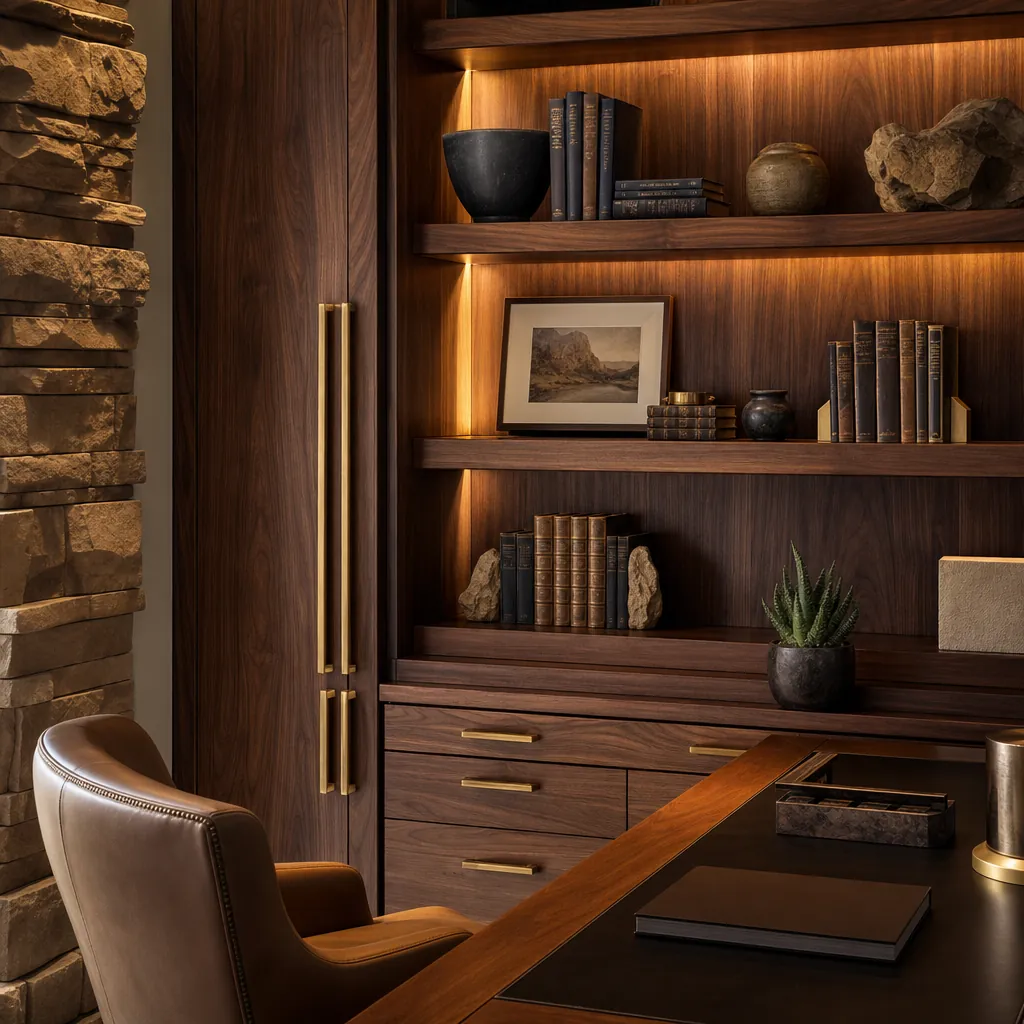
Storage is where most improvised home offices fall apart within a year. Books, cables, printer paper, and the odd box of old tax documents need a home that isn’t the desk surface itself. Floor-to-ceiling built-in shelving, closed cabinetry for equipment and files, and a dedicated charging drawer keep the visible surfaces clear while still holding everything a working household actually needs close at hand.
The wall behind the desk has become its own design problem in the video-call era. Open shelving styled with books, art, and a few personal objects reads as intentional on camera, while a blank wall or a cluttered one both undercut an otherwise well-designed office. Built-ins with integrated accent lighting give that wall a finished, professional backdrop without requiring a fresh styling effort before every call.
Custom millwork also solves problems generic furniture can’t. A desk built into a window nook, a printer cabinet sized to the exact equipment a household owns, or a fold-away second workstation for a spouse are all easier to get right with built-in cabinetry designed for the room than with off-the-shelf furniture forced to fit.
Materials, Acoustics, and Connectivity
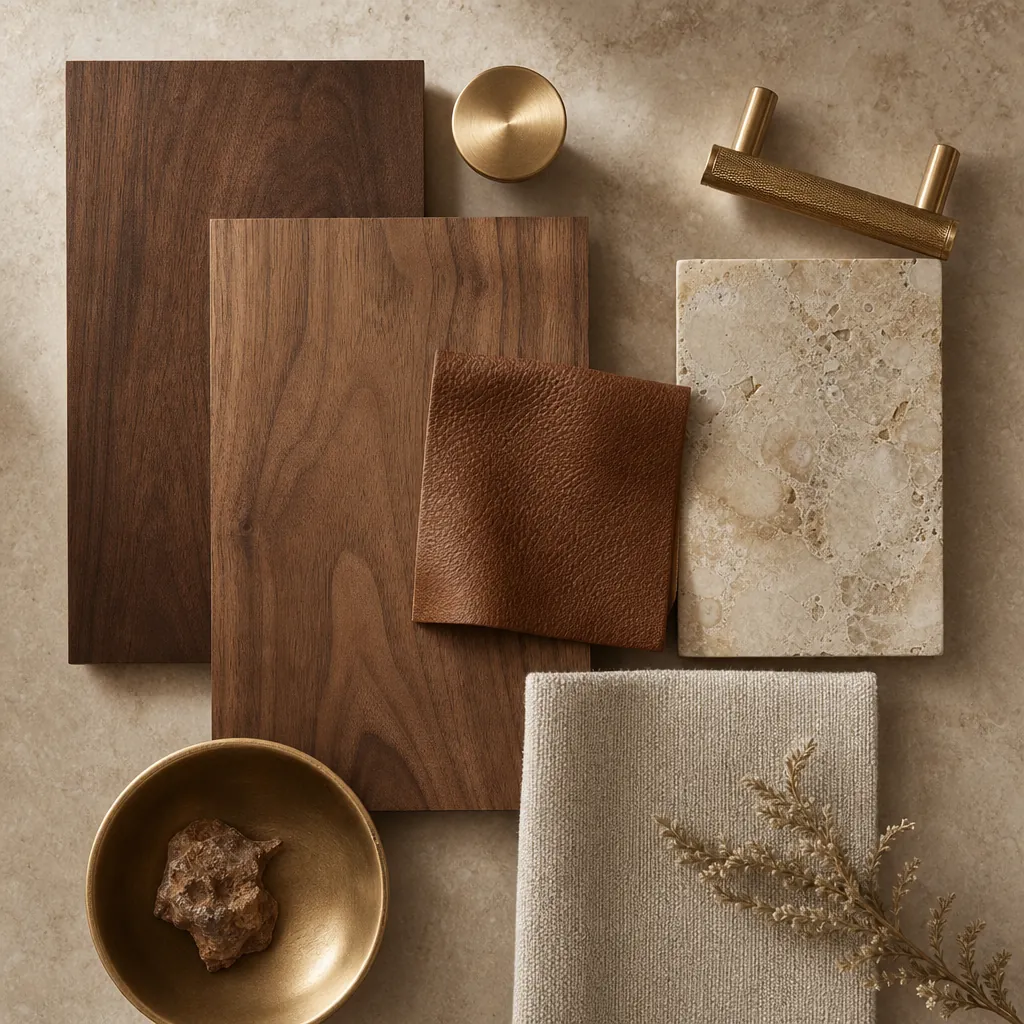
Materials set the tone of a home office more than almost any other room in the house, since it’s often the backdrop for how colleagues and clients see the home. Rich wood tones, brushed brass or matte black hardware, natural stone accents, and a durable, easy-to-clean flooring choice create a space that feels like an extension of the rest of a luxury home rather than a converted afterthought.
Acoustics are easy to overlook until the first echo-filled video call. Hard surfaces, high ceilings, and large windows all contribute to sound bouncing around a room in ways a microphone picks up clearly even when it isn’t noticeable in person. A area rug, upholstered seating, fabric window treatments, and even acoustic panels built into cabinetry backs all help a room sound as polished as it looks on camera.
Connectivity is the least glamorous part of the design and the most important to plan early. Dedicated data lines, a hardwired network drop instead of relying on Wi-Fi alone, and enough electrical circuits and outlets for multiple monitors, a printer, and charging devices all need to be roughed in before drywall goes up, not patched in with visible cords after the room is finished.
Why Early Design Coordination Matters
A home office touches more trades than its small footprint suggests. Electrical needs multiply with monitors, task lighting, and charging stations. Low-voltage wiring for a hardwired network connection has to be planned before walls close up. Millwork for built-ins has to be measured and ordered well ahead of installation, and any HVAC adjustment for a converted space has to be sized correctly on top of all of that. Coordinating those trades at the design stage avoids the kind of mid-project surprises that stall a schedule.
This is where DHCC Builder’s preconstruction design process earns its keep, working through feasibility, design, material selection, and permitting before construction decisions start narrowing the options. A converted bedroom or new addition with its own electrical and networking needs deserves the same coordination as any other technically complex project on a custom home.
It also helps to plan an office alongside the rest of the home’s footprint rather than as an isolated room. The custom home addition guide covers how the same coordinated approach applies whenever a project extends the main house, whether that addition becomes an office, a guest suite, or another dedicated living space.
A Thoughtful Design-Build Process for a Signature Home Office
A successful home office project starts with a conversation about how the space will actually be used, whether that’s daily video calls with clients, focused solo work, or a shared office for two people, because that answer shapes everything from desk placement to lighting design to how many data lines the room needs.
From there, design work can set the layout, finishes, and built-in details before construction decisions narrow the options. Reviewing a portfolio of DHCC Builder work can help homeowners identify the finish quality and architectural details they want carried into their own office. Some homeowners also pair a new office with a nearby powder room or bathroom remodel to round out a fully finished wing of the home.
When the goal is a home office that feels like a genuine extension of the house rather than a spare bedroom with a desk in it, an integrated design-build conversation is the right place to start. If a home office concept is part of a broader custom-home, renovation, or addition plan, contact DHCC Builder to discuss the overall project scope and feasibility.
Frequently Asked Questions About Custom Home Office Design in Las Vegas
Low-E or UV-treated window glazing paired with layered window treatments is the most effective starting point, since it controls heat and glare without blocking the view entirely. Positioning the desk so a window lights a face rather than a screen, and adding task lighting for evening hours, rounds out a glare-free setup.
A hardwired data line is worth planning for any office used for daily video calls or large file transfers, since it avoids the dropped connections and bandwidth competition that come with relying on Wi-Fi alone. Running that wiring before drywall goes up is far simpler than retrofitting it later.
Yes, a spare bedroom is one of the most common starting points for a home office because it already offers a door that closes and existing electrical. The conversion typically involves built-in millwork, added data and electrical circuits, and updated lighting, all of which are easier to plan correctly during design than to retrofit later.
Bring a sense of daily work habits, such as video-call frequency, need for privacy, or whether two people will share the space, along with any equipment already owned, a general idea of preferred location within the home, and any interest in pairing the office with a nearby library, reading nook, or powder room.
Related guides
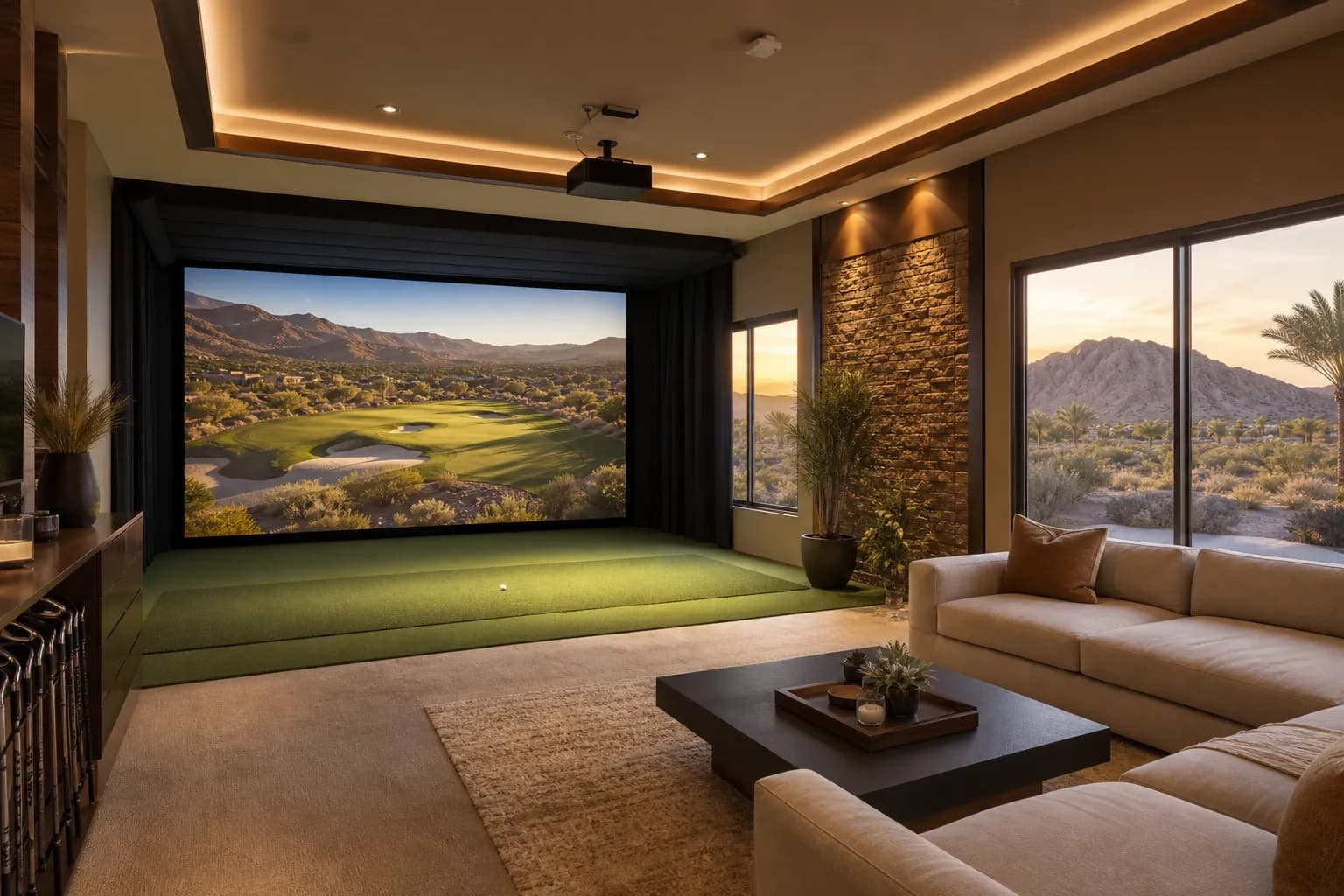
Custom Golf Simulator Room Design in Las Vegas
Custom golf simulator room design in Las Vegas turns an unused bonus room, garage bay, or casita into a year-round golf, sports, and entertainment space. This guide covers space planning, simulator technology, turf and impact-safe flooring, lighting and acoustics, climate control for our desert climate, and the design-build steps DHCC Builder uses to…
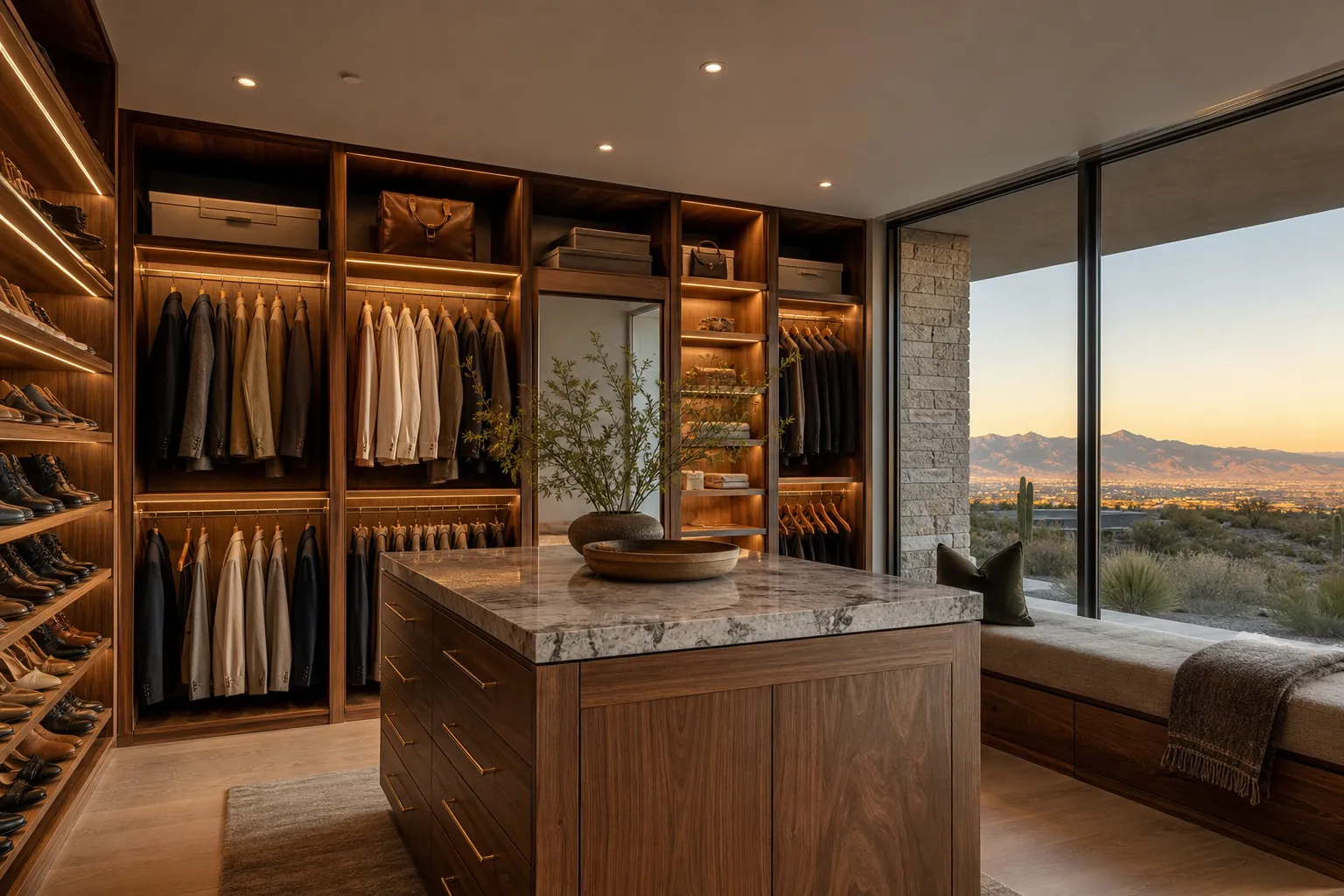
Custom Walk-In Closet Design in Las Vegas
A custom walk-in closet design in Las Vegas works best when it is planned as a real room, not an afterthought squeezed into leftover space. Layout, lighting, materials, and storage zones should match how a homeowner actually dresses and gets ready each day, with desert-specific details like climate control and UV-aware finishes built…
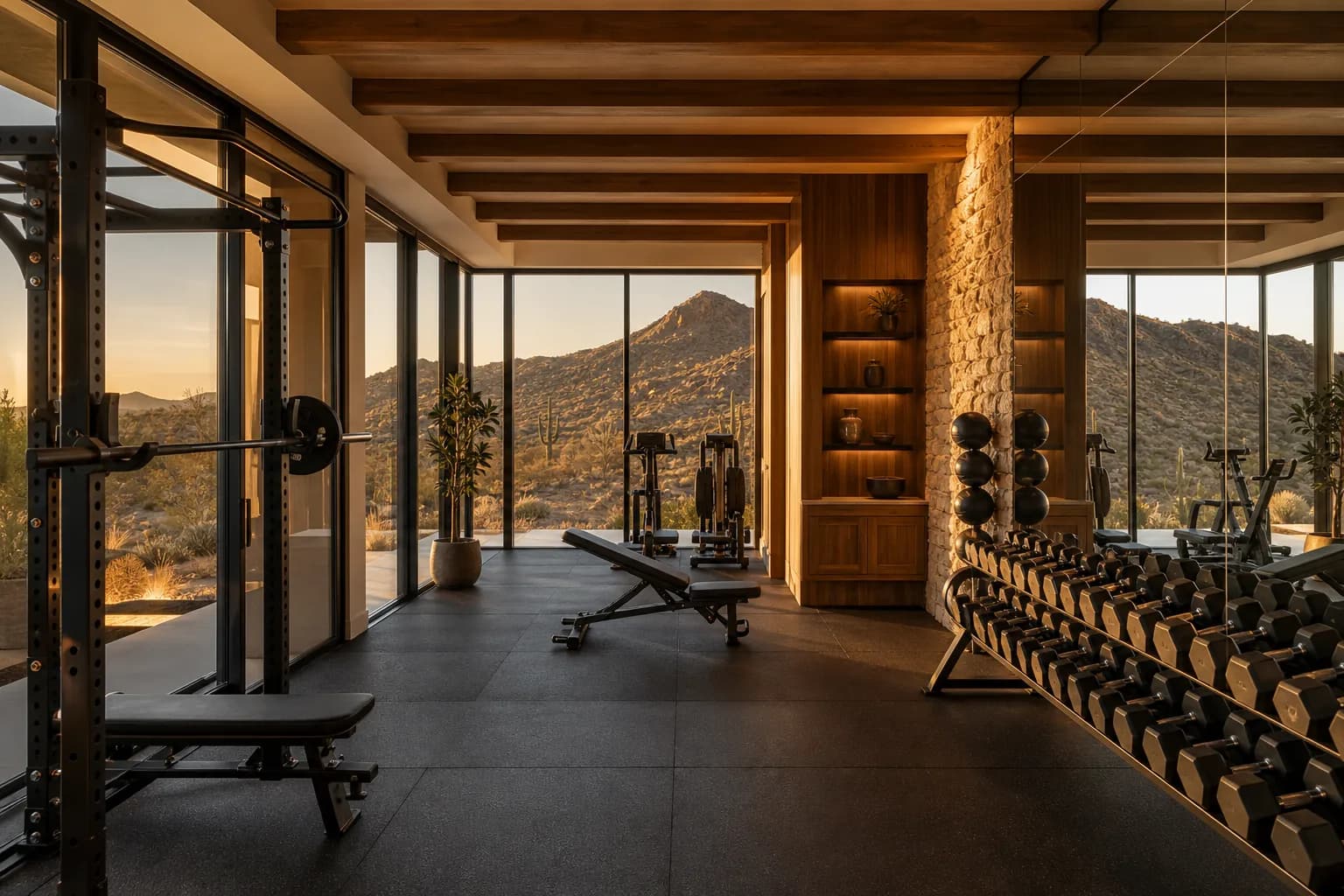
Custom Home Gym Design in Las Vegas
A custom home gym design in Las Vegas turns an unused garage bay, bonus room, or dedicated addition into a private training space built around how a homeowner actually trains, rather than a treadmill pushed into a corner. Getting the location, flooring, ventilation, and equipment zones right from the start is what makes…